GitHub
ToolJet offers seamless integration with GitHub. This connection allows you to directly interact with GitHub repositories and data.
Before following this guide, it is assumed that you have already completed the process of Using Marketplace plugins.
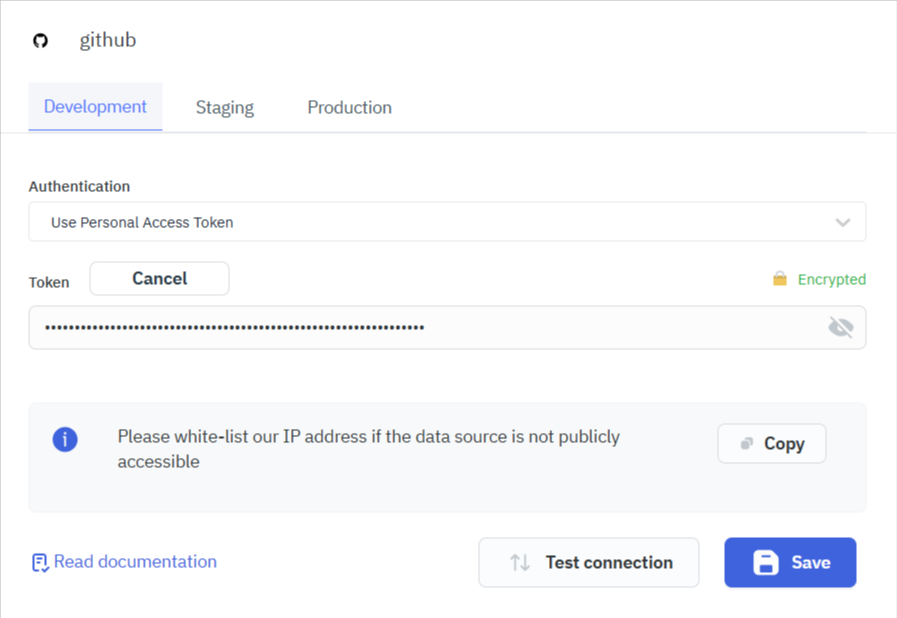
Connection
To connect to GitHub, you need the following credential:
- Personal Access Token: You can generate this token through your GitHub Account Settings.
You'll need a Personal Access Token to access data from private repositories. Public repository data remains accessible without a Personal Access Token.
Supported Queries
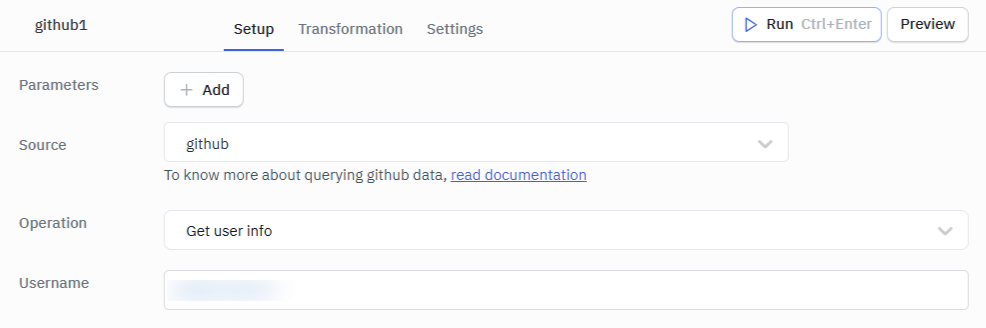
Get User Info
This operation fetches details for a specified user.
Required Parameter
- Username: Specify the GitHub username or organization to retrieve their details.
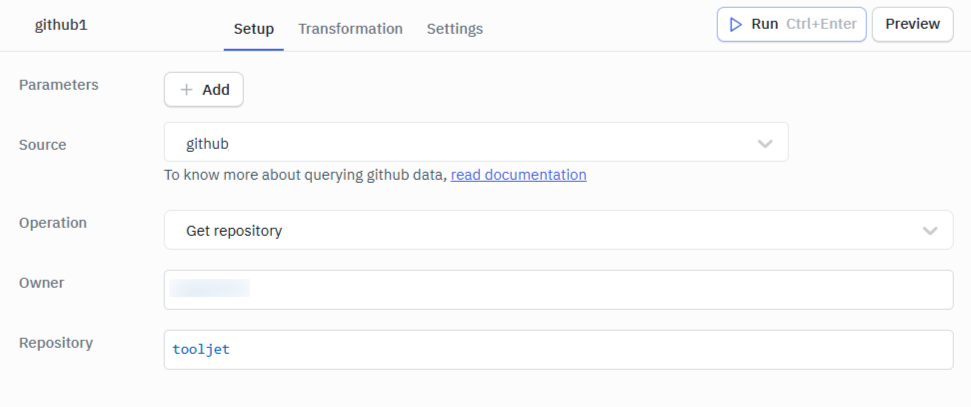
Get Repository
Fetches detailed information about a specific repository.
Required Parameters
- Owner: Name of the repository's owner, which can be either a GitHub user or an organization.
- Repository: The exact name of the repository.
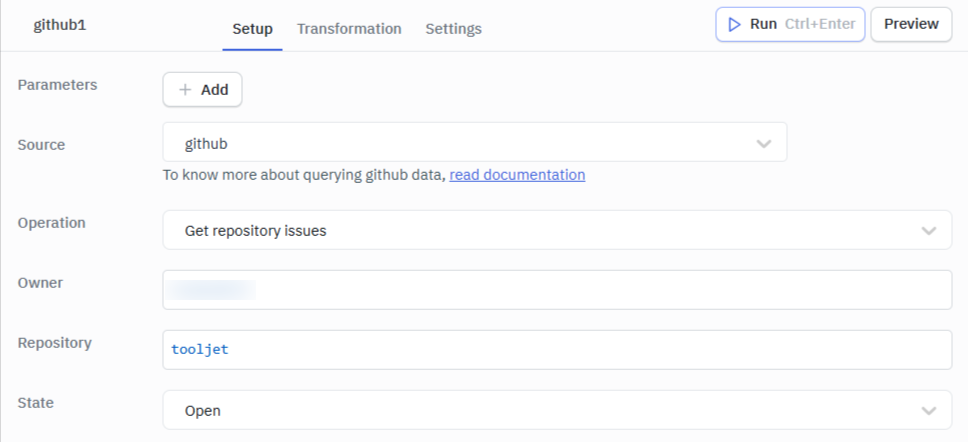
Get Repository Issues
Generates a list of issues associated with a repository, with options to filter them by their status.
Required Parameters
- Owner: The name of the repository's owner. The owner can either be a GitHub organization or a user.
- Repository: The repository name for which the issues are to be retrieved.
- State: Filter the issues by their status: All, Open, or Closed.
Optional Parameters
- Page size: Desired number of issues per page. Default is 30.
- Page number: Desired page number to fetch issues from. Default is 1.
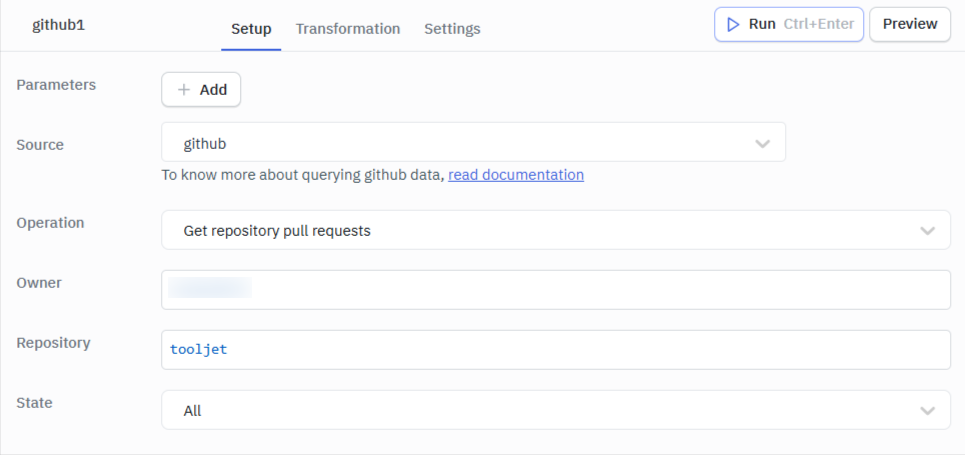
Get Repository Pull Requests
Generates a list of pull requests from a repository, with options to filter them by their status.
Required Parameters
- Owner: The name of the repository's owner. The owner can either be a GitHub organization or a user.
- Repository: The repository name for which the pull requests are to be retrieved.
- State: Filter the pull requests by their status: All, Open, or Closed.
Optional Parameters
- Page size: Desired number of issues per page. Default is 30.
- Page number: Desired page number to fetch pull requests from. Default is 1.