ToolJet Marketplace Overview
The ToolJet Marketplace provides a collection of plugins that extend ToolJet's integration capabilities. These plugins connect ToolJet to external services like AI providers, databases, cloud platforms, and business applications.
- ToolJet Cloud: All plugins come pre-installed. Configure the credentials and start using them in your applications.
- Self-hosted: Install plugins from the Marketplace, then configure credentials to use them.
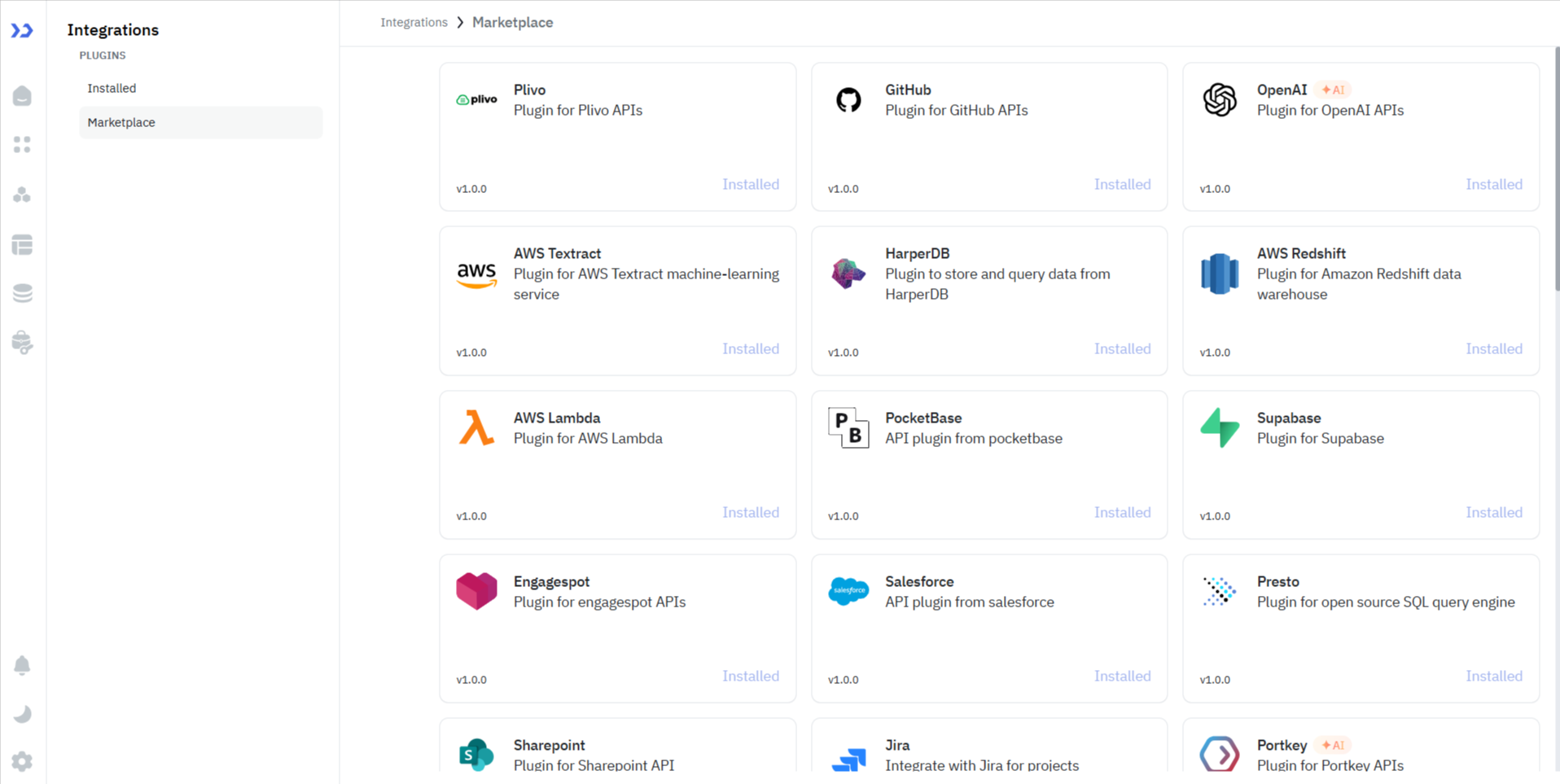
Installing a Plugin (Self-Hosted Only)
- Click the Settings icon at the bottom-left of the dashboard.
- Select Marketplace from the menu.
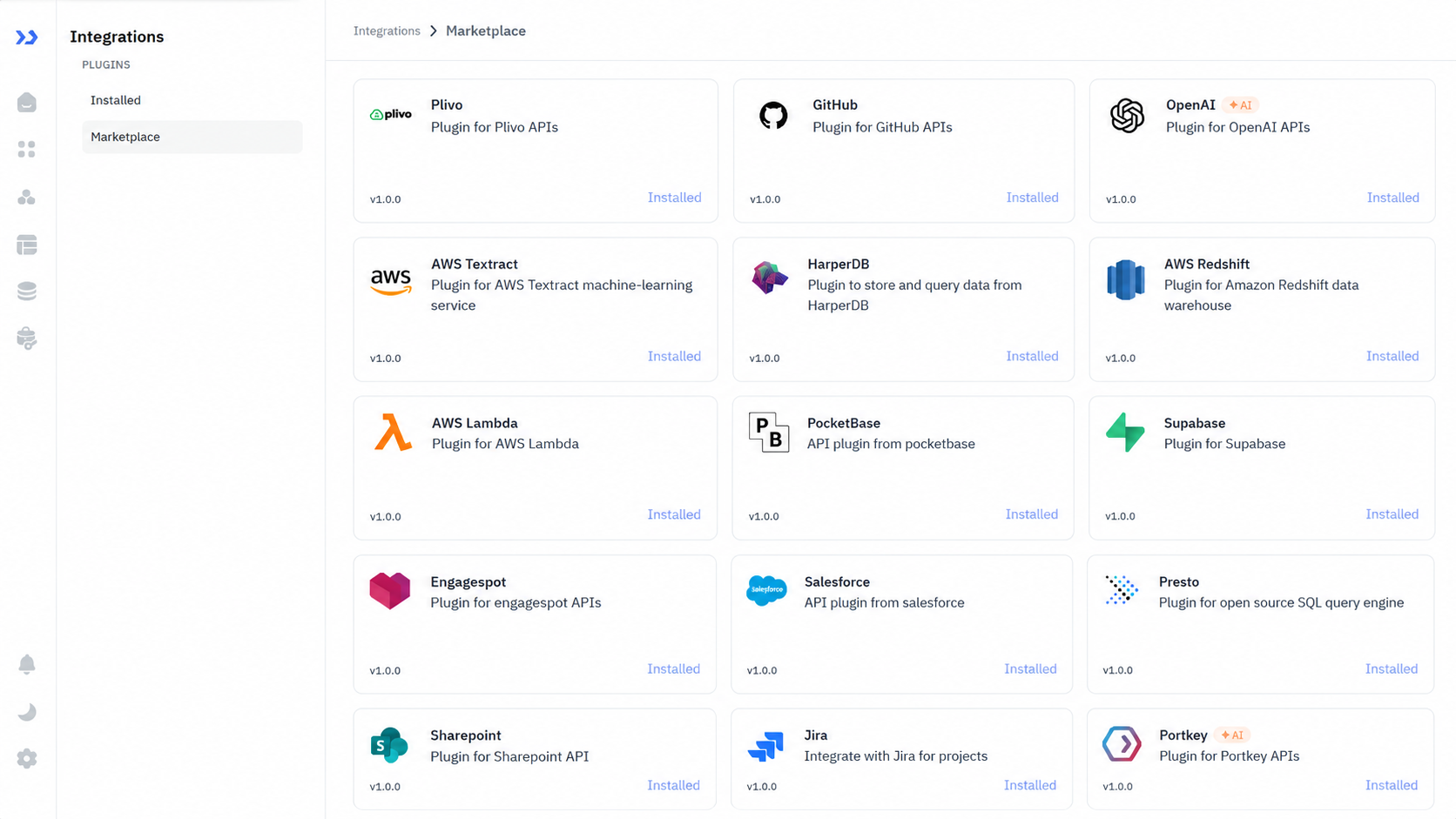
- Navigate to the Marketplace tab to view all available plugins.
- Click the Install button on any plugin card. Once installed, the button changes to Installed.
Configuring Plugins
After installing a plugin (or for pre-installed plugins on ToolJet Cloud), configure its credentials:
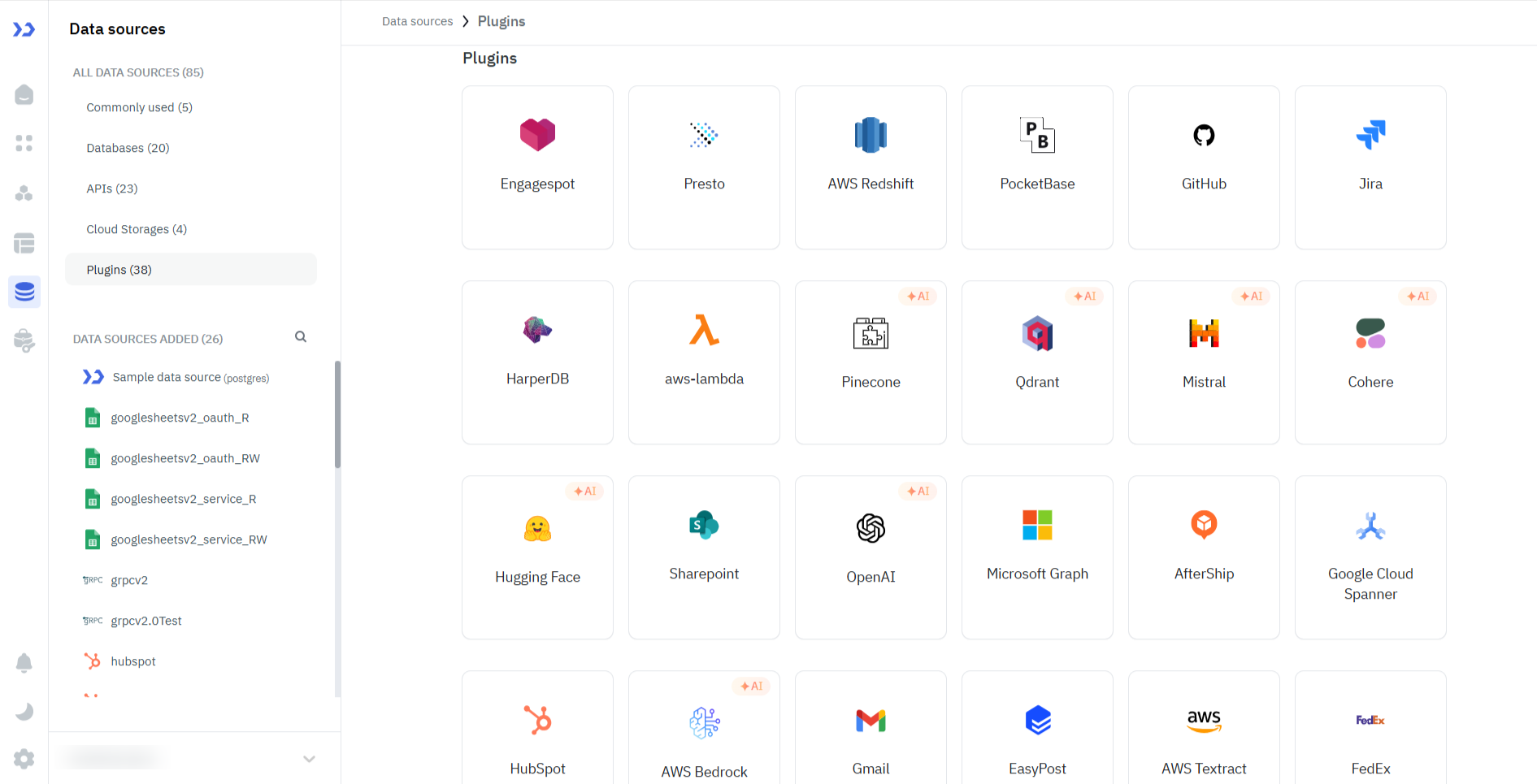
- Go to the Data sources tab in the dashboard.
- Scroll down to the Plugins section to see available plugins.
- Click on a plugin to configure its connection credentials.
- Once configured, the plugin appears in the Query Panel when creating new queries.
Removing a Plugin (Self-Hosted Only)
warning
Removing a plugin will delete all queries associated with it from your applications. If any queries are linked to the plugin, you'll need to remove those queries first before uninstalling.
- Go to Settings > Marketplace.
- Navigate to the Installed tab.
- Click Remove on the plugin you want to uninstall.
Available Plugins











Cloud Services

Monitoring






Communication





Developer Tools




Payments

For Plugin Developers
Learn how to create your own plugins in the Plugin Development guide.
Need Help?
- Reach out via our Slack Community
- Or email us at [email protected]
- Found a bug? Please report it via GitHub Issues