Zendesk
ToolJet can connect to Zendesk APIs to read and write data using OAuth 2.0, which helps us to limit an application's access to a user's account.
Connection
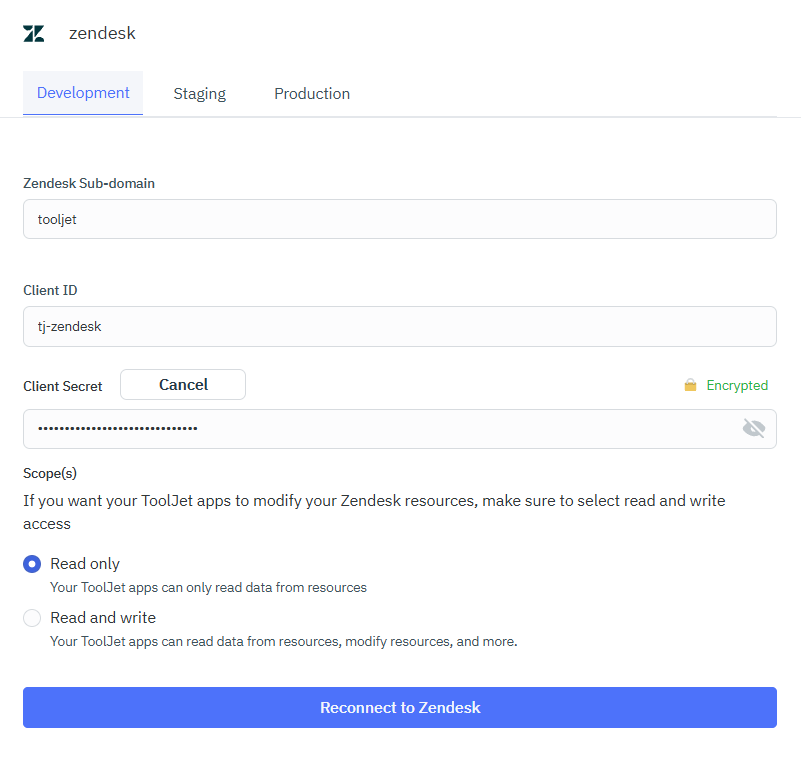
To establish a connection with the Zendesk data source, you can either click on the + Add new Data source button located on the query panel or navigate to the Data Sources page from the ToolJet dashboard and choose Zendesk as the data source.
ToolJet connects to your Zendesk app using :
- Zendesk Sub-domain
- Client ID
- Client Secret
Authorization Scopes
You can create a Zendesk data source with one of either of the two permission scopes :
- Read Only
- Read and Write
You must first be a verified user to make Zendesk API requests. This is configured in the Admin Center interface in Apps and integrations > APIs > Zendesk APIs. For more information, see Security and Authentication in the Zendesk Support API reference or check out Zendesk's docs.
Querying Zendesk
- Click on + Add button of the query manager at the bottom panel of the editor.
- Select the Zendesk datasource added in previous step.
- Select the desired operation and enter the required parameters.
- Click on the Preview button to preview the output or Click on the Run button to trigger the query.
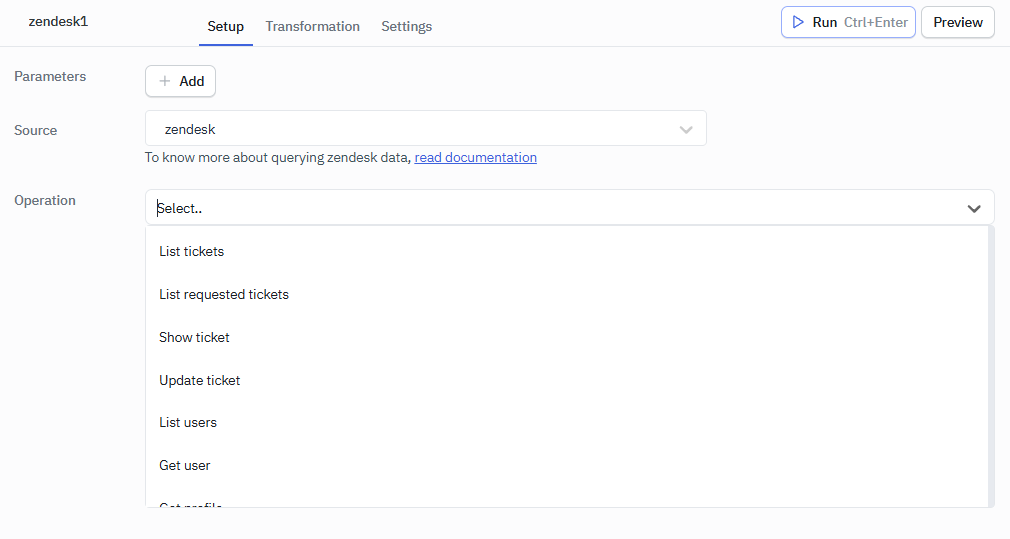
Supported Operations
- List Tickets
- List requested Tickets
- Show a Ticket
- Update a Ticket
- List Users
- Get User
- Get Profile
- Search
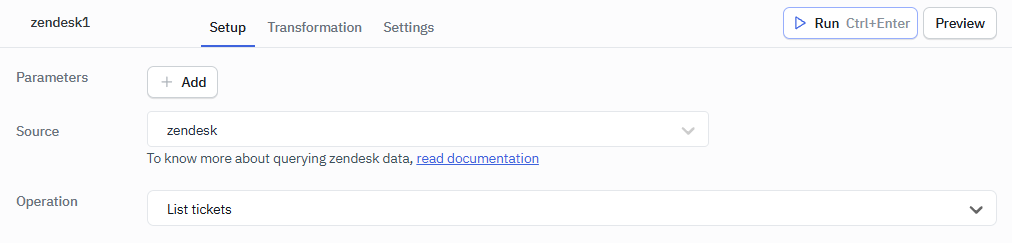
List Tickets
Lists all the tickets in your Zendesk account.
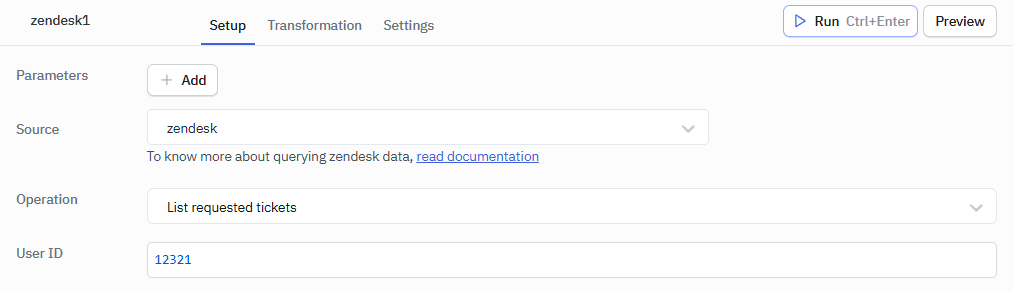
List Requested Tickets
Lists all the tickets requested by the user.
Required Parameter
- User ID
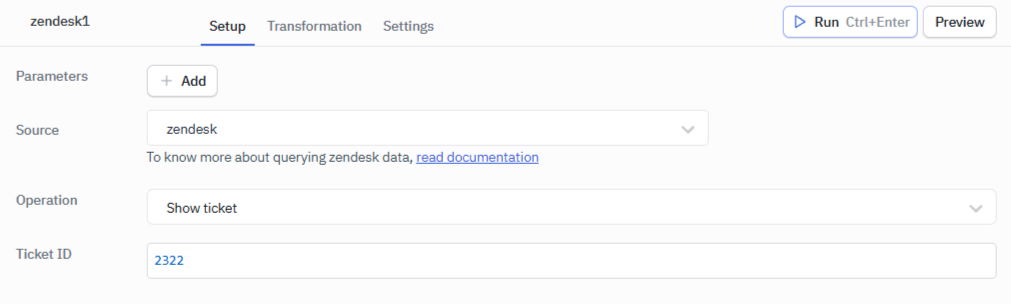
Show Tickets
Gets a ticket's properties with the given ID, though not the ticket comments.
Required Parameter
- Ticket ID
Update Tickets
Updates a ticket's properties with the given ID.
Required Parameter
- Ticket ID
- Body
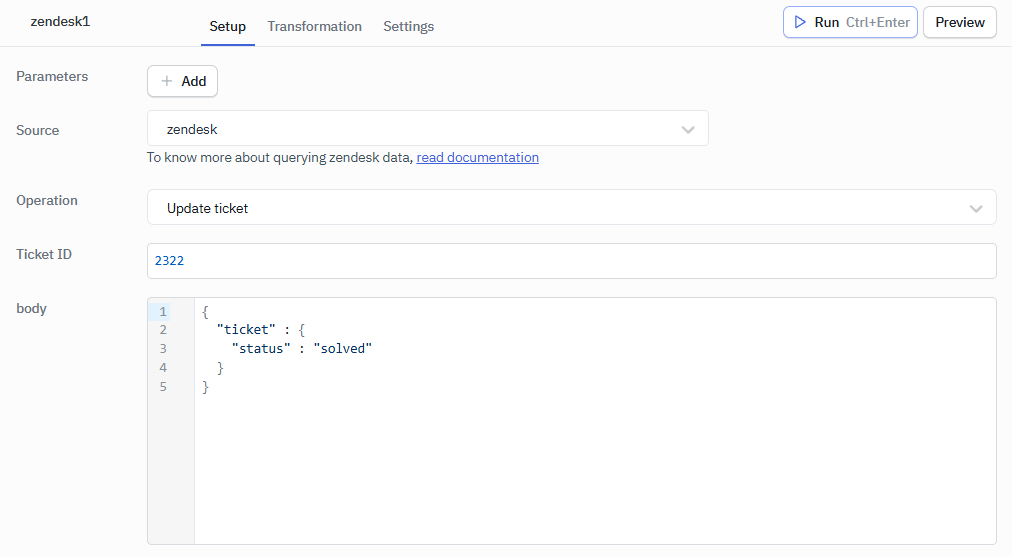
Example:
{
    "ticket" : {
        "status" : "solved"
    }
}
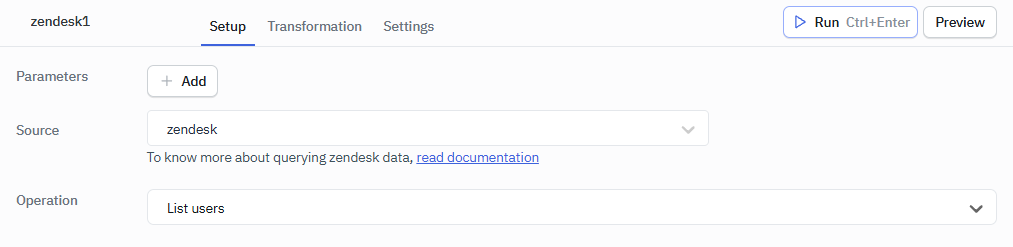
List Users
Lists all the users in your Zendesk account.
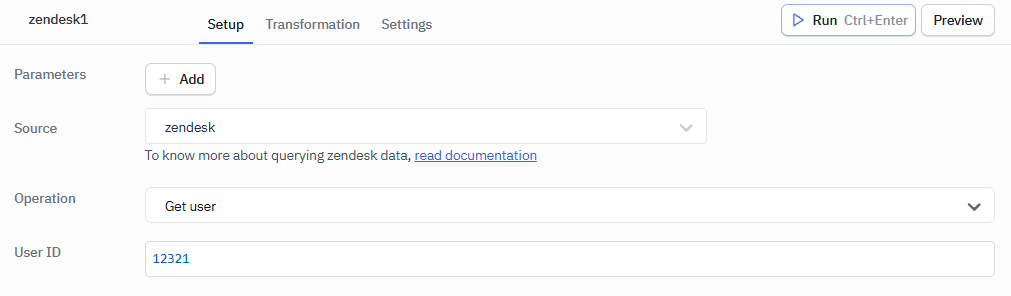
Get User
Gets a user's information with the given ID.
Required Parameter
- User ID
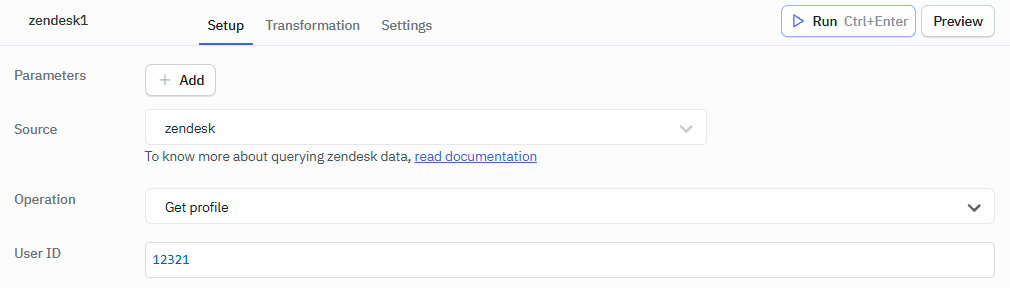
Get Profile
Gets a user's profile with the given ID.
Required Parameter
- User ID
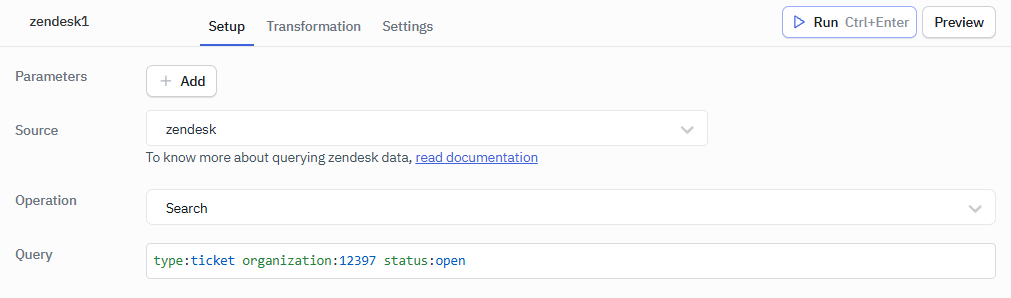
Search
The Search Query uses Zendesk's Search API to return tickets, users, and organizations with defined filters.
Required Parameter
- Query
Common filters include:
type:tickettype:usertype:organizationtype:ticket organization:12345 status:open