HarperDB
HarperDB is a database and application development platform that is focused on performance and ease of use. With flexible user-defined APIs, simple HTTP/S interface, and a high-performance single-model data store that accommodates both NoSQL and SQL workloads, HarperDB scales with your application from proof of concept to production. ToolJet integrates with HarperDB, providing a streamlined interface for reading and writing data.
Before following this guide, it is assumed that you have already completed the process of Using Marketplace plugins.
Connection
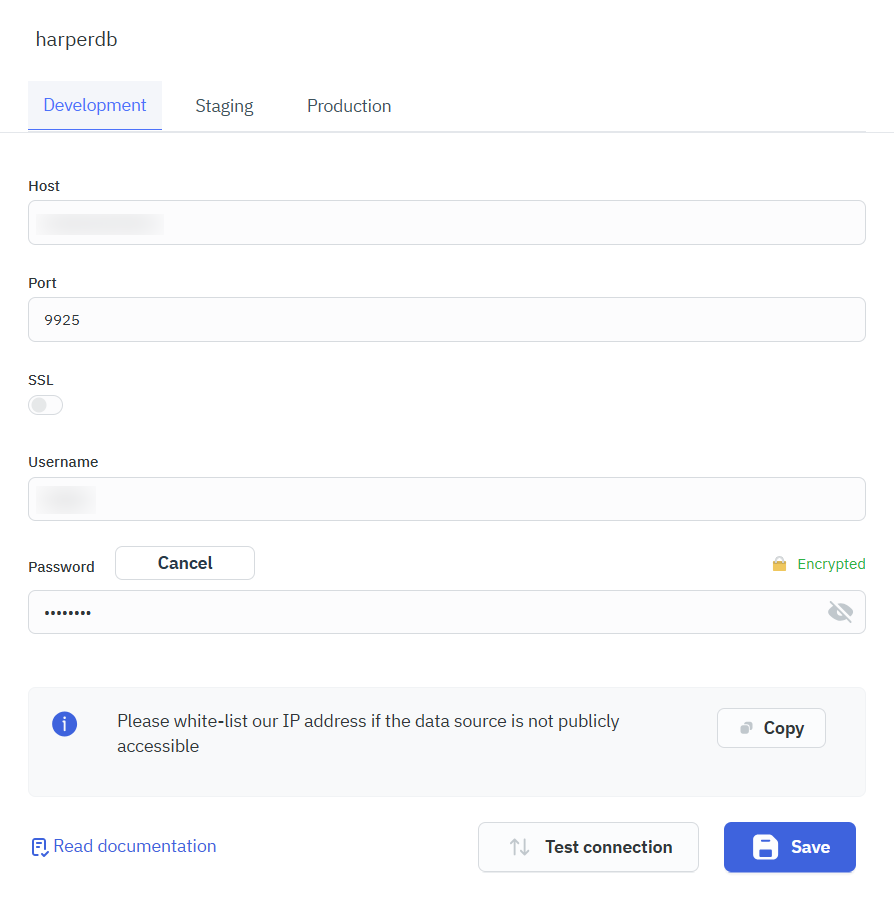
To establish a connection with HarperDB, you need the following credentials:
- Host: The hostname or IP address of your HarperDB instance (e.g.,
162.156.250.74ormyinstance.harperdbcloud.com). - Port: The port number configured for your server (default is
9925). If you are using HarperDB Studio(cloud), leave the field empty or set it to443. - SSL: Indicates whether the connection requires SSL encryption.
- Username: Your authentication username for HarperDB instance.
- Password: Your password for authentication (hidden for security purposes).
Querying HarperDB
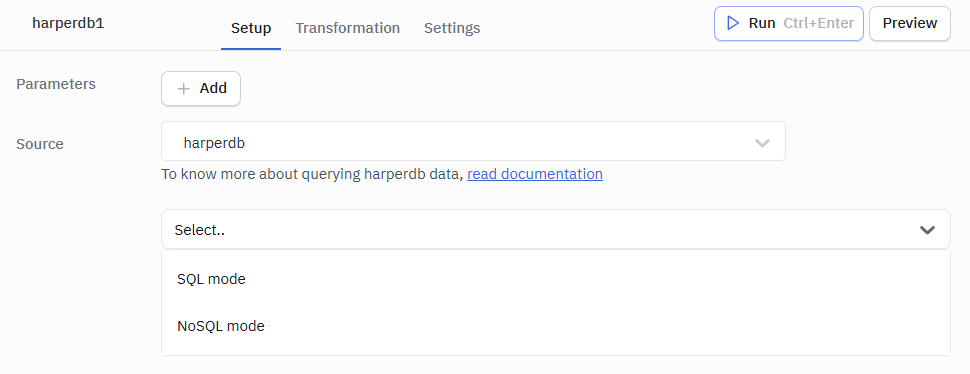
To perform queries on HarperDB, click the +Add button in the query manager located at the bottom panel of the app builder. Select the HarperDB from the Global Datasource section in the query editor.
SQL Mode
SQL mode enables you to perform various operations on the database using SQL statements.
Select
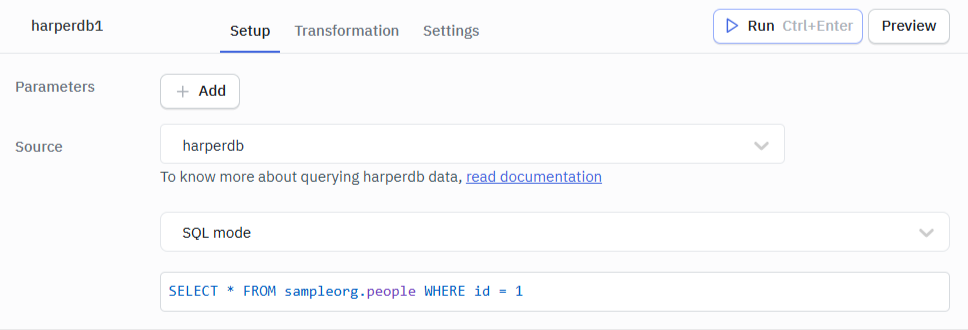
The SELECT statement is used to query data from the database.
Syntax:
SELECT * FROM sampleorg.people WHERE id = 1
Insert
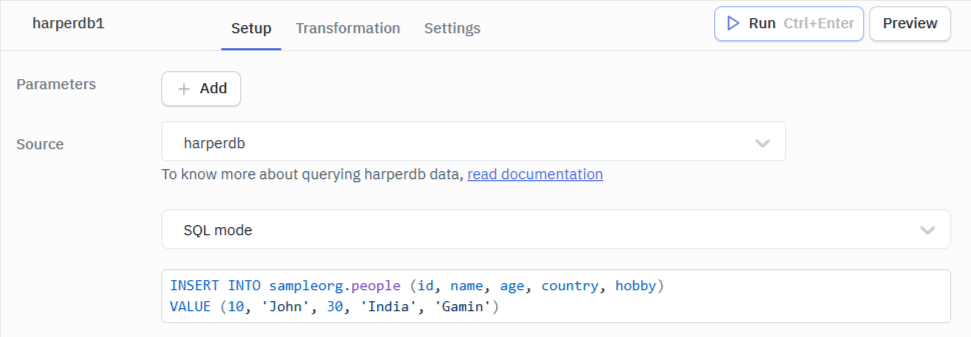
The INSERT statement is used to add one or more rows to a database table.
Syntax:
INSERT INTO sampleorg.people (id, name, age, country, hobby) VALUE (10, 'John', 30, 'India', 'Gaming')
Update
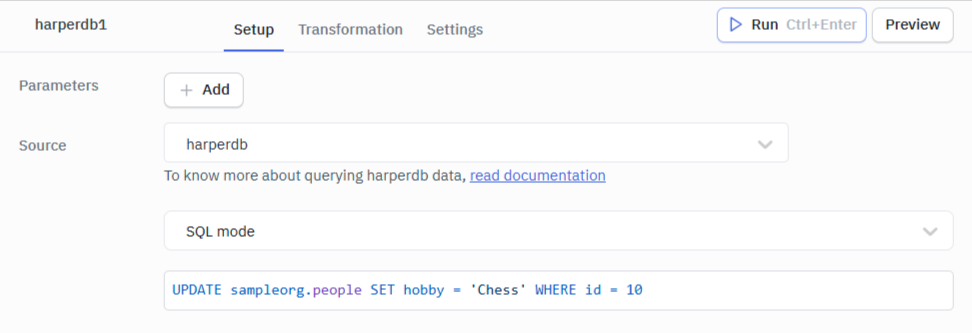
The UPDATE statement is used to change the values of specified attributes in one or more rows in a database table.
Syntax:
UPDATE sampleorg.people SET hobby = 'Chess' WHERE id = 10
Delete
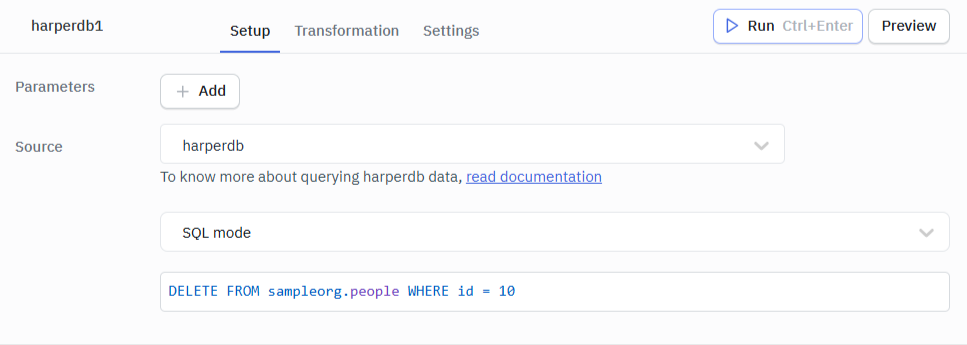
The DELETE statement is used to remove one or more rows of data from a database table.
Syntax:
DELETE FROM sampleorg.people WHERE id = 10
NoSQL Mode
NoSQL mode enables you to perform schema-less storage and retrieval of JSON documents.
Insert (NoSQL)
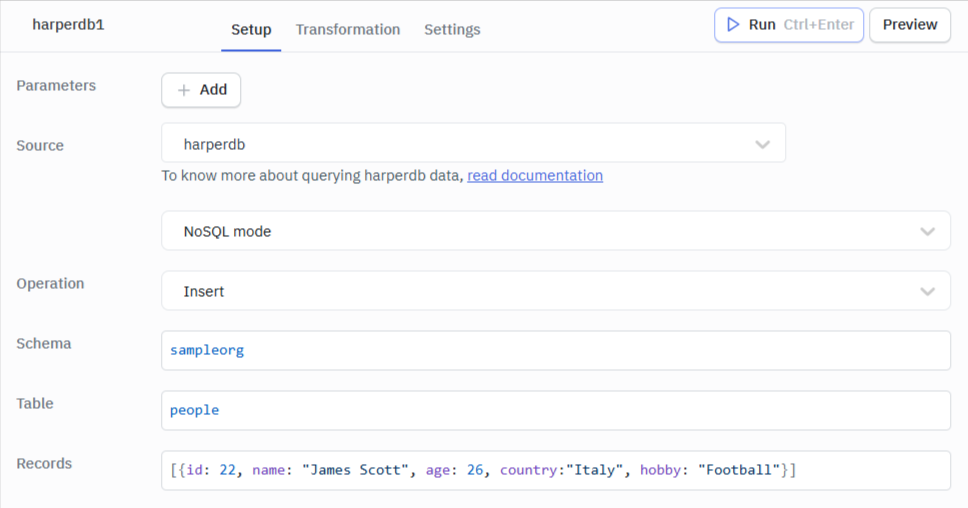
Insert operation allows to add one or more rows of data to a database table.
Parameters | Description |
|---|---|
| Schema (required) | schema where the table you are inserting records into lives |
| Table (required) | table name where you want to insert records |
| Records (required) | array of one or more records for insert |
Example Records:
[{id: 22, name: "James Scott", age: 26, country:"Italy", hobby: "Football"}]
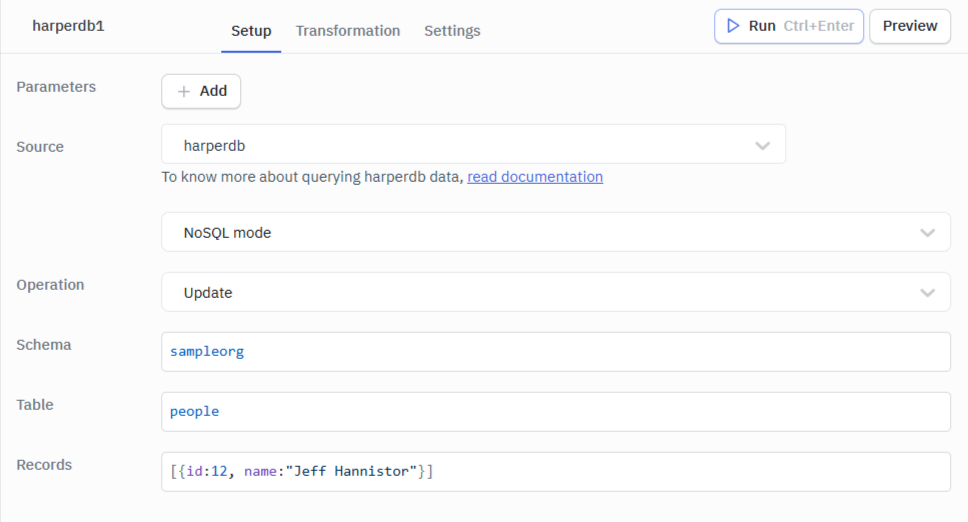
Update (NoSQL)
The Update operation modifies the values of specified attributes in one or more rows of a database table based on the hash attribute(primary key) that identifies the rows.
Parameters | Description |
|---|---|
| Schema (required) | schema where the table you are updating records into lives |
| Table (required) | table name where you want to update records |
| Records (required) | array of one or more records for update |
Example Records:
[{id:12, name:"Jeff Hannistor"}] // Record having 12 as Primary key value will be updated
Delete (NoSQL)
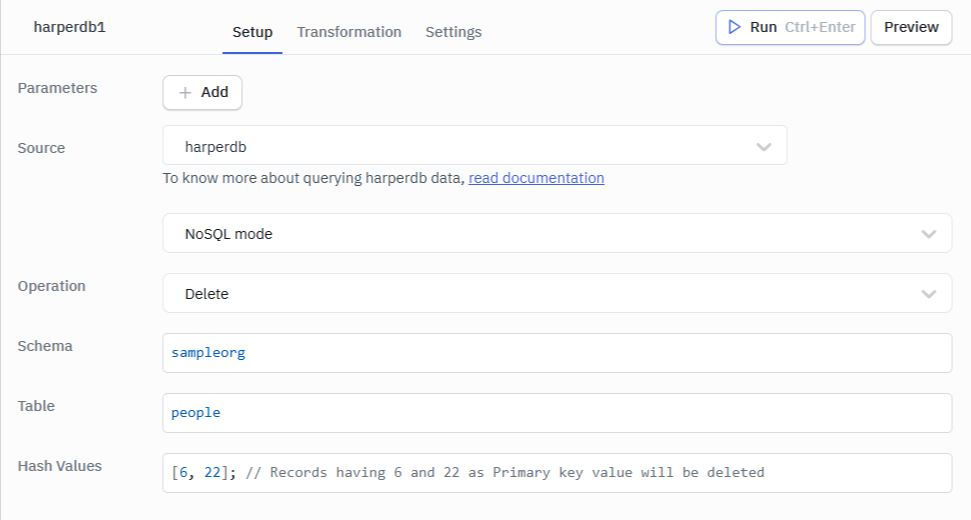
Removes one or more rows of data from a specified table.
Parameters | Description |
|---|---|
| Schema (required) | schema where the table you are deleting records into lives |
| Table (required) | table name where you want to delete records |
| Hash Values (required) | array of one or more hash attribute (primary key) values, which identifies records to delete |
Example Hash Values:
[6, 22]; // Records having 6 and 22 as Primary key value will be deleted
Search by hash
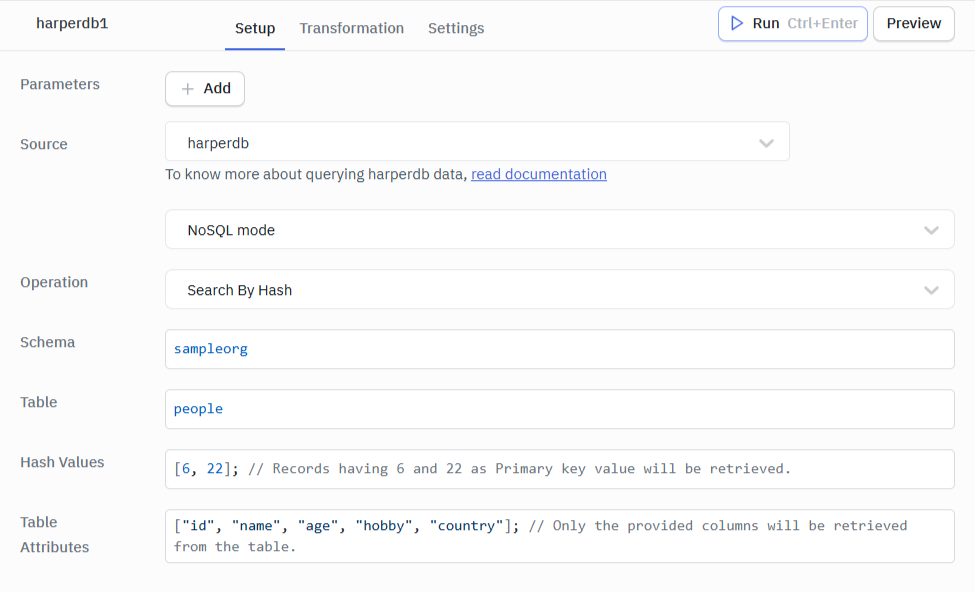
Returns data from a table for one or more hash values.
Parameters | Description |
|---|---|
| Schema (required) | schema where the table you are searching lives |
| Table (required) | table you wish to search |
| Hash Values (required) | array of hashes to retrieve |
| Table Attributes (required) | define which attributes you want returned. |
Example Hash Values:
[124, 66]; // Records having 6 and 22 as Primary key value will be retrieved
Example Table Attributes:
["id", "name", "age", "hobby", "country"]; // Only the provided columns will be retrieved from the table
Search by value
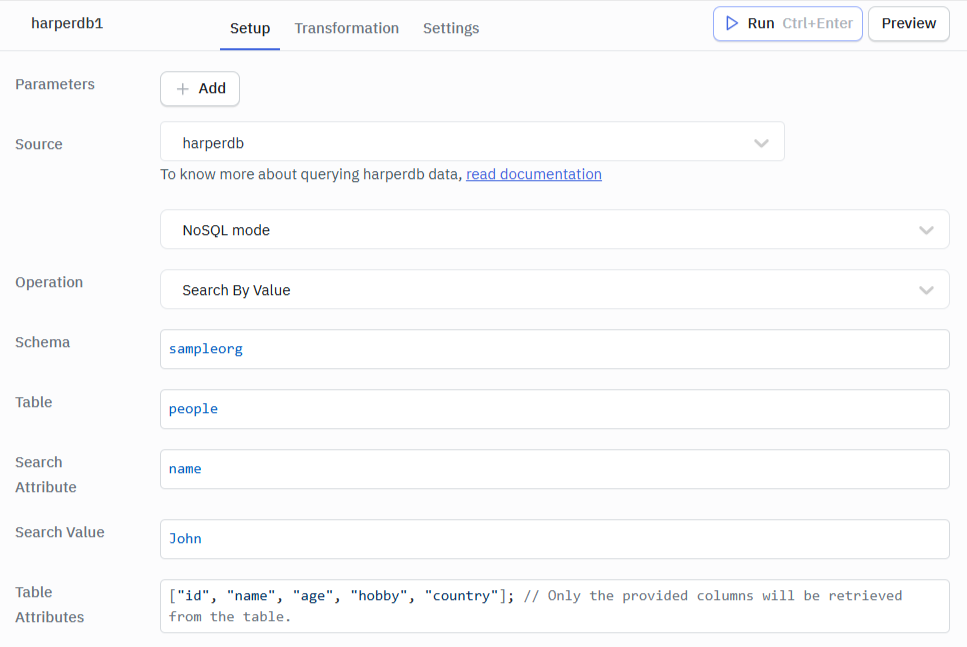
Returns data from a table for a matching value.
Parameters | Description |
|---|---|
| Schema (required) | schema where the table you are searching lives |
| Table (required) | table you wish to search |
| Hash Values (required) | array of hashes to retrieve |
| Search Attribute (required) | attribute you wish to search can be any attribute |
| Search Value (required) | value you wish to search - wild cards are allowed. |
| Table Attributes (required) | define which attributes you want returned. |
Example Search Attribute:
name
Example Search Value:
John Doe
or
Joh* // using wild card
Example Table Attributes:
["id", "name", "age", "hobby", "country"]; // Only the provided columns will be retrieved from the table
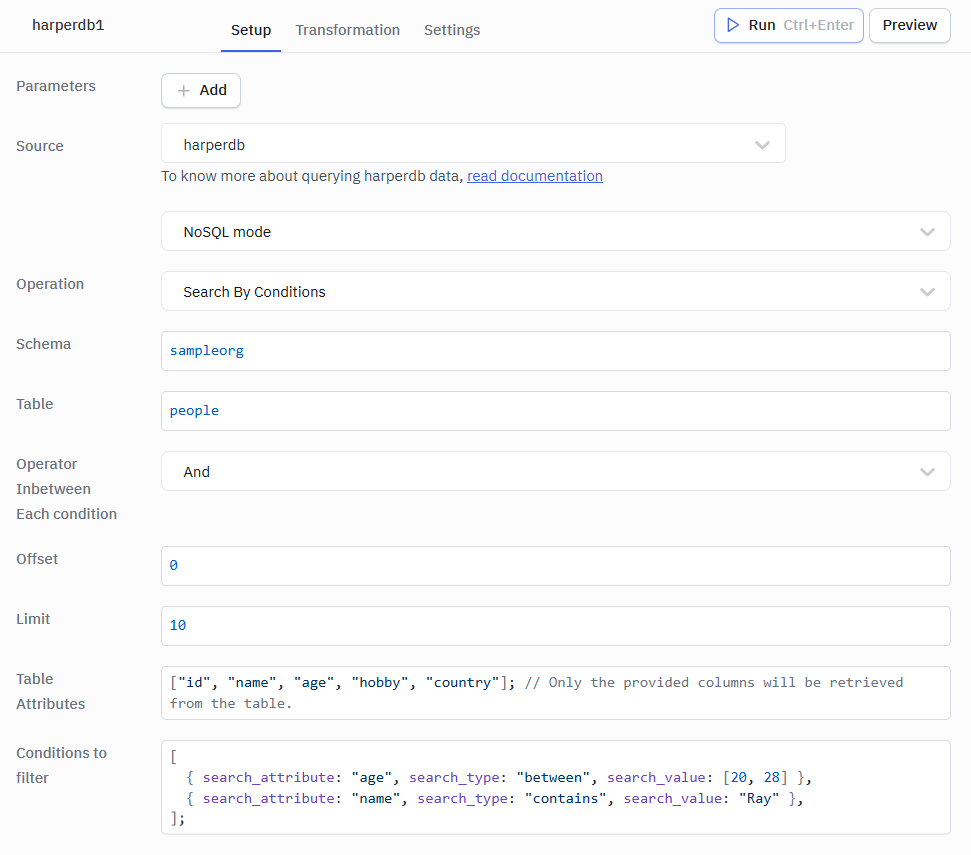
Search by conditions
Returns data from a table for one or more matching conditions.
| Parameter | Description |
|---|---|
| Schema (required) | Schema where the table you are searching lives. |
| Table (required) | Table you wish to search. |
| Operator in-between each condition (optional) | The operator used between each condition — And or Or. Default is And. |
| Offset (optional) | The number of records that the query results will skip. Default is 0. |
| Limit (optional) | The number of records that the query results will include. Default is null (no limit). |
| Table Attributes (required) | Define which attributes you want returned. |
| Conditions to filter (required) | Array of condition objects used to filter results. Must include one or more objects in the array. Each object must include: • search_attribute (required) – Attribute you wish to search (can be any attribute). • search_type (required) – Type of search: equals, contains, starts_with, ends_with, greater_than, greater_than_equal, less_than, less_than_equal, between. • search_value (required) – Case-sensitive value to search. If search_type is between, use an array of two values. |
| Example Table Attributes: |
["id", "name", "age", "hobby", "country"]; // Only the provided columns will be retrieved from the table
Example Conditions to filter:
[
  { search_attribute: "age", search_type: "between", search_value: [20, 28] },
  { search_attribute: "name", search_type: "contains", search_value: "Ray" },
];